
How to Sell Products from Your Bio Page (Affiliate + E‑commerce Guide)
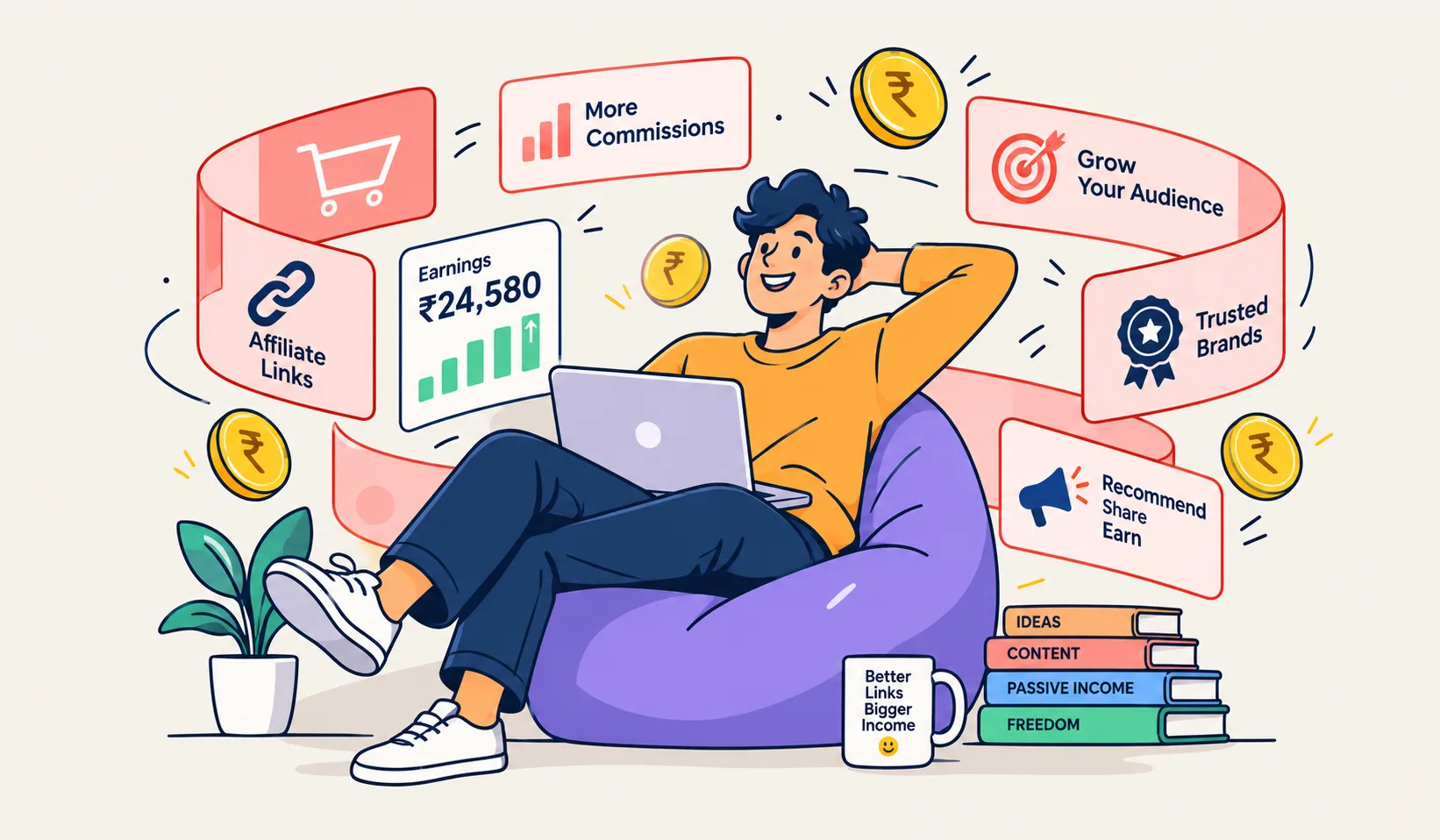
If your Instagram, TikTok, or YouTube bio still has one random link—or worse, a link that changes every week—you are leaving money on the table.
Creators and small sellers do not always need a full online store on day one. What they need is a single, stable page where every product, offer, and affiliate link lives, looks clean, and can be measured. That is what a modern bio page is for.
Linkly’s bio pages are built for exactly that: one link in your profile, multiple destinations underneath—including product-style blocks that work for ecommerce and affiliate workflows.
Why product links belong on a bio page
Social platforms give you attention. They rarely give you a good checkout experience inside the app.
So the path is usually:
- Someone discovers you on social.
- They tap the only link you are allowed in the bio.
- They land somewhere you control.
- They choose a product, offer, or affiliate recommendation.
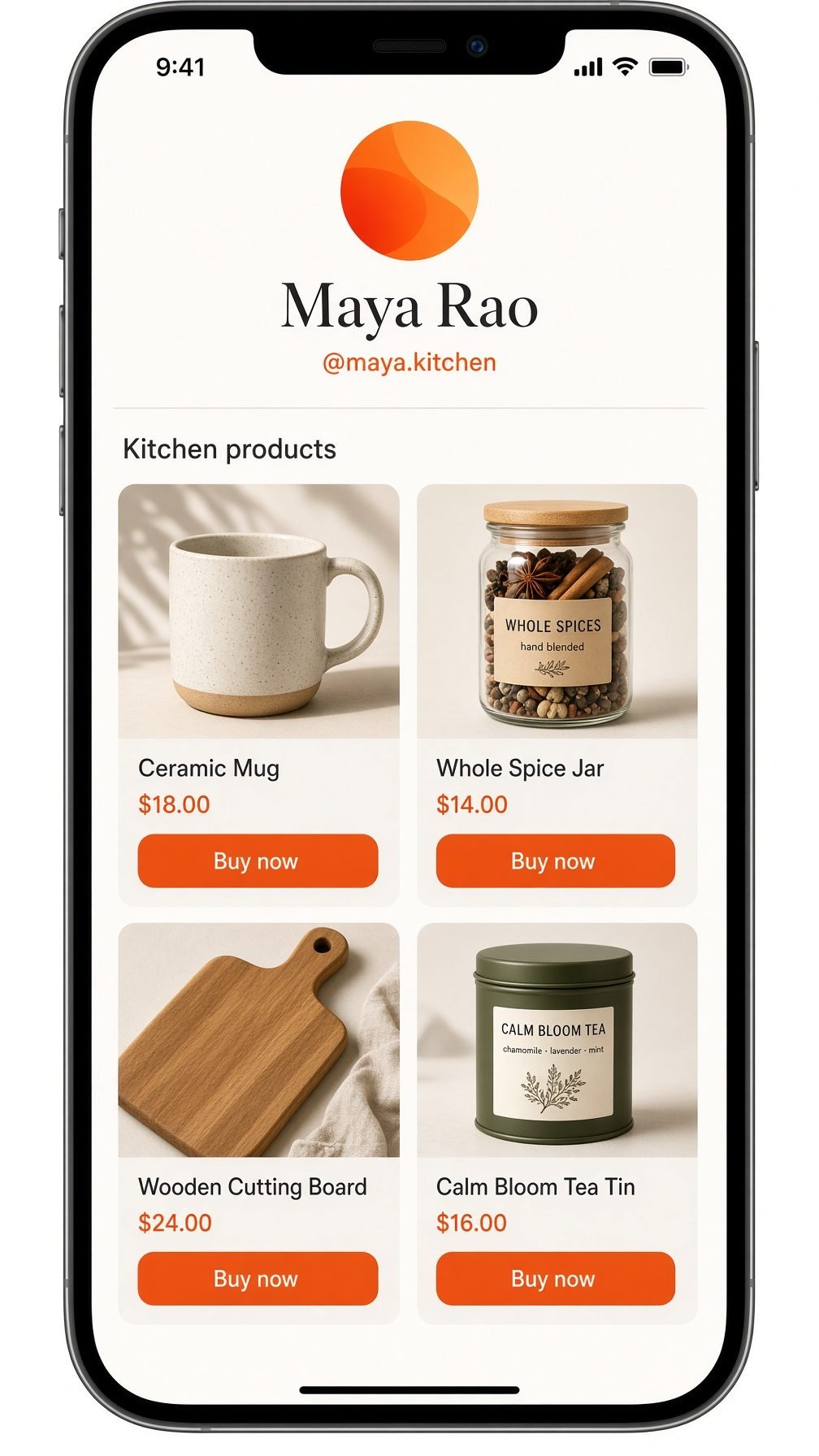
If step 3 is a messy Google Doc, a single product URL, or a link you keep editing, conversion drops. A bio page with products keeps the path short and readable.
You can list:
- Your own products (Shopify, WooCommerce, Meesho, custom store)
- Digital downloads (courses, templates, Notion packs)
- Affiliate offers (Amazon, hosting, SaaS tools, fashion)
- Lead magnets (“Free guide” before the paid product)
One profile URL. Many offers.
Bio page vs full ecommerce site
A full store is powerful. It is also slower to launch and heavier to maintain.
| Need | Bio page | Full store |
|---|---|---|
| Launch this week | Yes | Often no |
| Multiple product links | Yes | Yes |
| Brand storytelling | Limited | Strong |
| Cart, inventory, tax | No (you link out) | Yes |
| Instagram / Reels traffic | Excellent fit | Extra step |
Many people start with a Linkly bio page, validate what gets clicks, then invest in a bigger store. The bio page does not replace Shopify forever—it catches demand until you are ready.
How affiliates actually use product blocks
Affiliate marketing fails when links are buried or untracked.
A practical affiliate setup on a bio page looks like this:
- Group by intent
- “My camera gear”
- “Writing tools I use”
- “Hosting for new sites”
- One clear button per offer
- Not five tiny links in a paragraph. A button labeled like the product.
- Short, tracked URLs
- Long affiliate URLs look spammy and break in apps. Run them through a free URL shortener or create them inside your Linkly workspace so you can see which bio button gets clicks.
- Honest labels
- “Affiliate link” in the description builds trust and keeps platforms happier than hiding it.
When someone taps “Best budget mic” on your bio, you want to know that button won—not that “the bio got traffic” in general.
How small ecommerce sellers use the same feature
You might sell on Instagram DMs today. That does not scale.
Put on the bio page:
- Bestseller
- New arrival
- Bundle / offer of the week
- Size chart or catalog PDF
- WhatsApp order button (if that is your flow)
Each line is a product entry: title, short line of copy, link to the buy page. Visitors self-serve instead of asking “price?” in comments.
Pair the bio URL with a QR code on packaging, stall posters, or visiting cards. Offline attention returns to the same product list.
A simple structure that converts
Avoid dumping twenty links on day one. Start tight:
- Primary product or offer (what you push this week)
- Two supporting products
- Proof or content (demo video, tutorial, reviews)
- Contact / support
Reorder weekly based on what your short link analytics show. The bio page is a living storefront, not a static business card.
Tracking: the part most people skip
Vanity metrics feel good. Sales care about taps.
Useful signals:
- Which product button gets the most clicks
- Whether a Reel spike matched a product spike
- Mobile vs desktop (almost always mobile for bio traffic)
If a product never gets clicks, fix the title, move it up, or stop promoting it. If one affiliate link dominates, make more content around that topic.
Linkly’s idea is to keep short links, bio, and QR in one place so you are not juggling five tools to answer “what worked?”
Step-by-step: product-ready bio in one sitting
- Create a free account on Linkly.
- Open Bio pages and set your public username URL.
- Add your photo, short bio line, and brand colors.
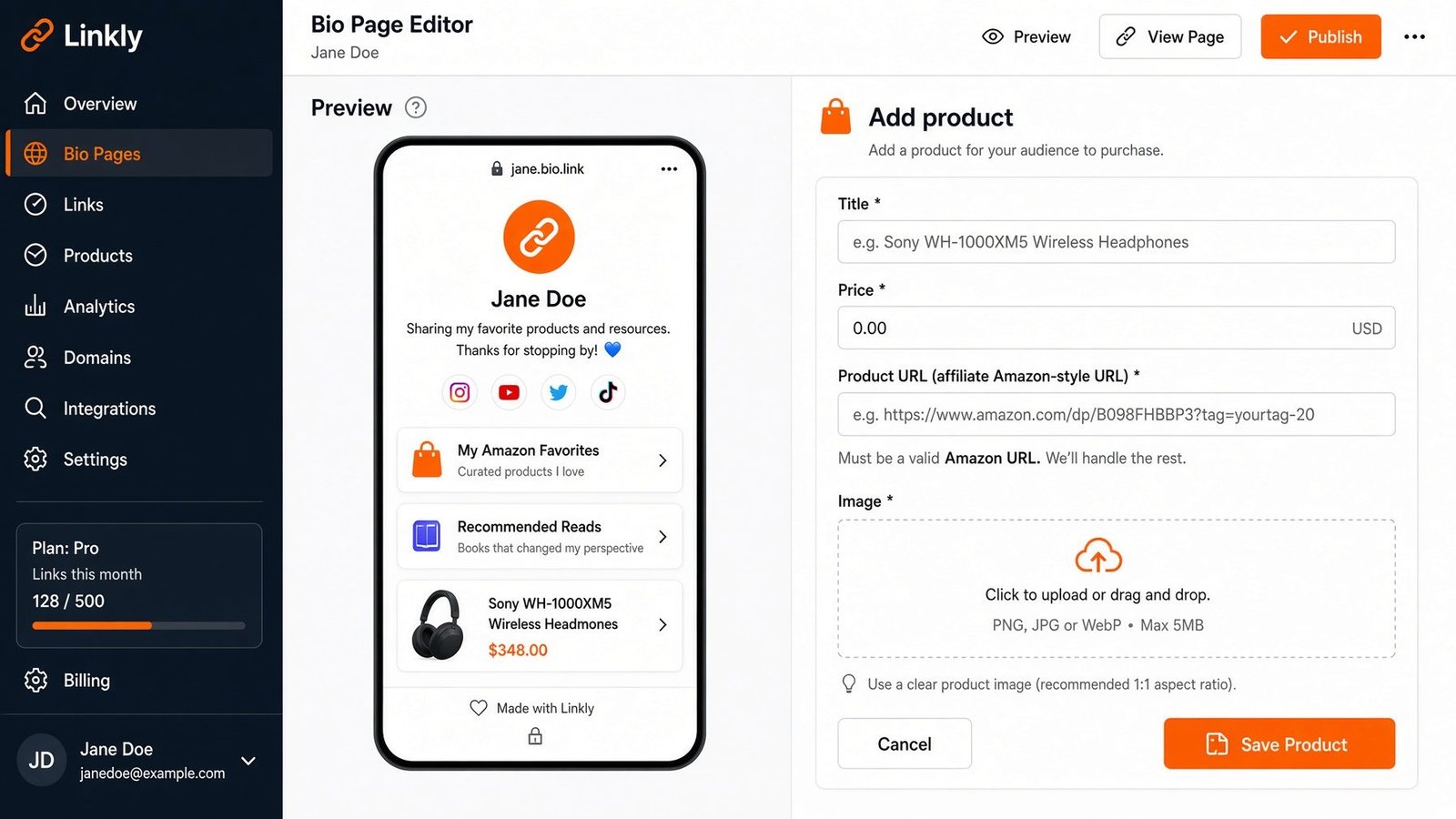
- Add product blocks: name, short description, destination URL.
- For long affiliate or store URLs, shorten them and paste the short link if you want cleaner stats.
- Put the bio URL in Instagram / YouTube / LinkedIn.
- Optional: generate a QR code for offline use.
- After a week, check clicks and reorder.
No need to redesign the internet. Need a page that respects how people actually browse on their phone.
Mistakes that kill bio-page sales
- Ten competing “Shop now” buttons with no hierarchy
- Outdated prices still linked
- Affiliate links with no disclosure
- Changing the bio URL every campaign (use the stable bio page; change buttons underneath)
- Sending traffic to a homepage instead of the exact product
Clarity beats cleverness.
Who this is for
- Affiliates who recommend tools and gear
- Instagram sellers moving off pure DM sales
- Course creators listing tiers or upsells
- Local businesses linking menu, booking, and WhatsApp
- Anyone who wants one link that can grow with them
If you later need deeper limits or team features, pricing is there—but you can validate the motion on a free plan first.
Bottom line
Ecommerce and affiliate income on social is not only about content. It is about what happens after the tap.
A bio page with product-style links gives you a calm, updatable list of offers, cleaner URLs, and a way to see what people choose. That is enough to start selling smarter without waiting for a perfect store build.
Set up your product list on a Linkly bio page, drop the URL in your profile, and let the clicks tell you what to promote next.