
How to Create a Digital Business Card for Free in 2026
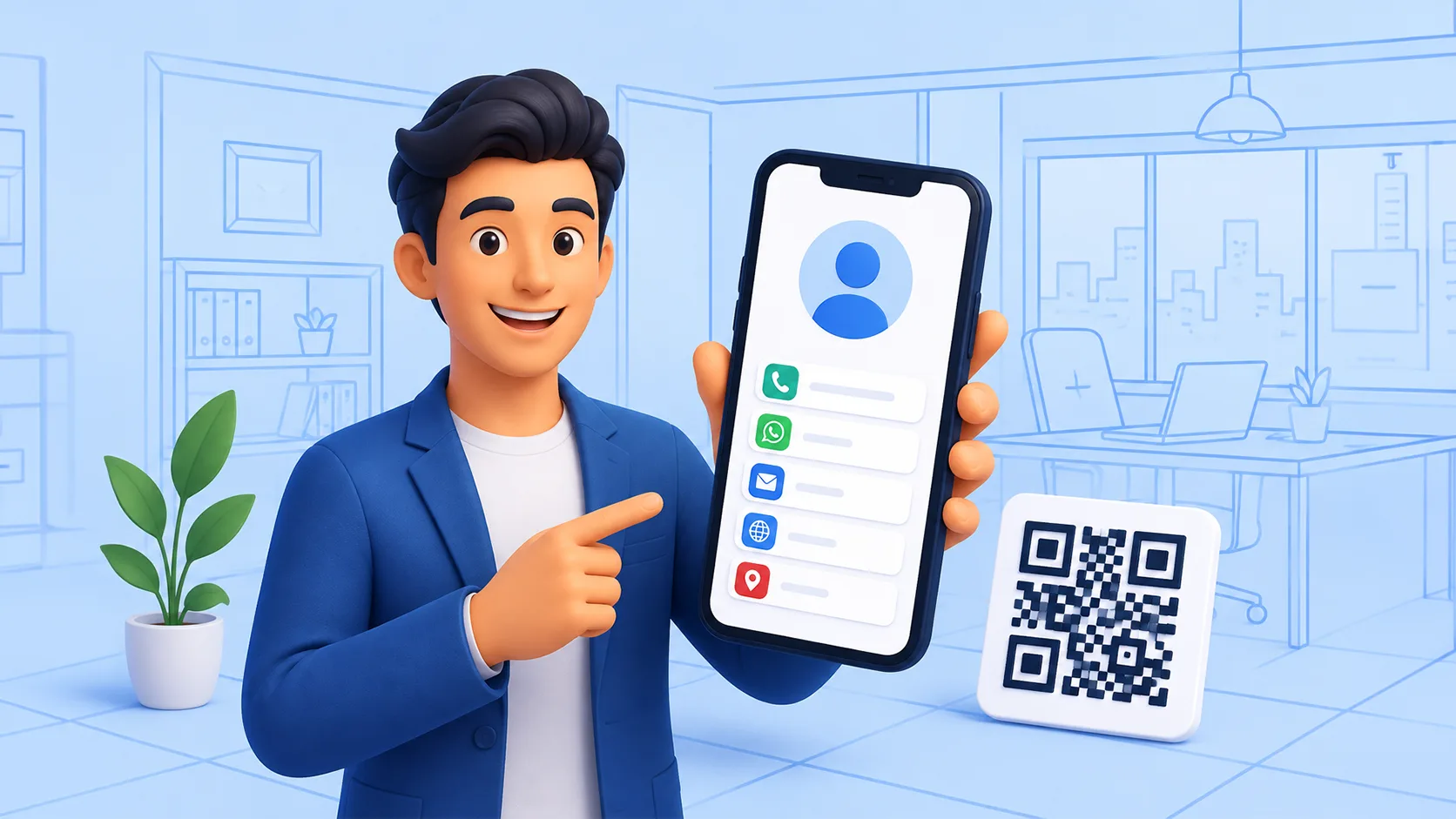
Paper business cards still show up at events, but most of them end up in a drawer—or the bin—within a week. Phones made sharing contact details faster: one link, one QR code, or one message, and the other person already has your name, number, WhatsApp, and website.
A digital business card is simply a mobile-friendly page that holds your professional details in one place. You share it as a link or QR code. The other person does not need a special app to open it. That is why digital cards are showing up in email signatures, Instagram bios, WhatsApp replies, and printed posters next to a small QR.
This guide explains how digital business cards are used today, which features actually matter, how to create one for free, and how Linkly fits in if you also want short links, bio pages, and QR analytics without juggling three different tools.
What is a digital business card?
A digital business card (sometimes called a virtual visiting card or e-card) is a live web page that presents your contact information the way a printed card used to—only it can do more. Instead of ink on cardstock, you get:
· A personal link such as linkly.li/c/your-name
· Optional QR code that opens the same card on any phone camera
· Buttons for call, WhatsApp, email, maps, and social profiles
· The ability to update details without reprinting anything
Unlike a PDF attachment, a digital card stays current. Change your phone number once; every link and QR you already shared points to the updated page.
How digital business cards are used today
Usage has moved past “tech networking events only.” Common real-world patterns include:
1. Networking and meetings
Instead of stacking paper cards, people open their card link or show a QR on the phone lock screen. The other person saves the contact in seconds—often with a direct WhatsApp or call button.
2. Email signatures and proposals
A short line under your name—“Digital card: linkly.li/c/your-name”—beats a cluttered signature block full of five social URLs.
3. Social profiles and content
Creators and freelancers put the card link in Instagram, LinkedIn, or YouTube descriptions so fans get contact options without digging through comments.
4. Print still works—smarter
Physical cards, booth banners, and packaging often carry a QR that opens the digital card. The paper becomes a bridge, not the only source of truth.
5. Small teams and local business
Consultants, real estate agents, clinics, and service businesses use digital cards so staff can share the same brand details with consistent links and trackable QR codes.
Features that actually matter
Not every “digital card” product is equal. When you compare tools, look for:
· Mobile-first layout — most opens happen on a phone
· One-tap actions — call, WhatsApp, email, directions
· Custom link or username — easier to say out loud than a random string
· QR code — for offline moments
· Easy edits — update without breaking old links
· Privacy and control — what you share is intentional
· Analytics — views or clicks so you know the card is working
· No app required for viewers — friction kills saves
Nice extras for business use include branded removal of tool logos, multiple cards for team members, lead capture, and the ability to pair the card with short links or a bio page in the same account.
How to create a digital business card for free (step-by-step)
You can create a usable card in under ten minutes. Here is a practical path using Linkly as the example (similar steps apply on most free tools).
Step 1: Open the product and start free
Go to the Linkly digital business card page and create a free account if you do not already have one. Linkly’s free plan includes one digital business card along with short links, a bio page, and basic QR codes—so you are not signing up for a card-only trial that expires in a week. Start here: https://linkly.li/digital-business-card or sign up at https://linkly.li/register
Step 2: Add your core details
Enter the essentials first:
· Full name and title or role
· Company or personal brand name
· Phone number
· WhatsApp (highly recommended in many regions)
· Website or portfolio URL
· Location or “Get directions” link if you meet clients in person
Keep the first screen short. People decide in seconds whether to tap.
Step 3: Add the buttons people will actually use
Prioritize actions over decoration. A clean card with Call, WhatsApp, Email, and Website outperforms a crowded page of ten social icons. Add LinkedIn or Instagram if that is where your clients already know you.
Step 4: Choose a simple theme
Pick a readable theme with enough contrast. Avoid tiny text and low-contrast colors. Your photo or logo should be clear on a small phone screen.
Step 5: Claim a clean link
Use a memorable path when the plan allows—something like your name or brand. A link you can say in a conversation is more useful than a long random code.
Step 6: Generate a QR code
Create a QR that points to the same card. Test it with your phone camera before you print it on anything. If you use Linkly’s QR tools, you can keep card sharing and QR tracking in one workflow: https://linkly.li/free-qr-code-generator
Step 7: Share and update
Add the link to your email signature, WhatsApp status, and social bios. When your number or role changes, edit the card once—old QR codes still open the updated page.
What Linkly offers for digital business cards
Linkly positions the digital card as part of a wider link toolkit, not a standalone micro-app. That matters if you already need short links or a bio page for campaigns.
On Linkly you can typically:
· Create a digital card at a path like linkly.li/c/your-name
· Share via link or QR—no viewer app required
· Put call, WhatsApp, email, website, and directions in one mobile view
· Use the same account for short links, bio pages, and QR codes
· Start on a free plan that includes 1 digital business card, basic analytics, and standard themes
Paid plans raise limits for people who need more cards or branding control—for example more digital cards, remove Linkly branding, advanced analytics, and higher short-link or bio-page limits. See current plan details on the pricing page.
Because cards live next to short links and QR codes, a sales rep can share a campaign short link in ads, a bio page on Instagram, and a personal digital card in meetings-without three logins.
Analytics: know whether your card is working
A digital card you never measure is only slightly better than paper. Useful signals include:
· How many times the card was opened
· Which buttons get taps (call vs WhatsApp vs website)
· Where traffic comes from when the card is behind a short link or QR
· Country and city context when analytics are available on your plan
Linkly emphasizes analytics on the free plan for links and scans—not only a vanity total—so you can see geographic and device context as you grow. That helps answer simple questions: Did the event QR get scanned? Did clients in a certain city open the card after the campaign?
For marketing links that sit beside your card (offer pages, booking links, lead magnets), use the free URL shortener and track clicks separately: https://linkly.li/free-url-shortener
Linkly vs typical digital card competitors
The market is full of digital card apps. Many are fine. The friction shows up when your workflow needs more than a static profile.
Common competitor pattern:
· Card-only product — great profile, weak link shortener
· Bio-page product — great social links, weak contact card or QR analytics
· Short-link product — great redirects, no polished visiting card
Linkly’s advantage is bundling:
· Digital card + short links + bio page + QR in one account
· Free plan that is meant for real use (card included), not only a teaser
· Share without forcing the recipient to install an app
· Update once; links and QR codes keep working
· Path into broader link tooling when a campaign needs tracking
If you only need a fancy animated card and nothing else, a specialist card app may be enough. If you run campaigns, social bios, and offline QR in the same week, one toolkit reduces tab overload.
Features that matter for business use
Solo freelancers and small teams care about slightly different things.
For individuals
· Fast setup and a clean personal link
· WhatsApp and call buttons
· QR for meetups and printed materials
· Free tier to test before paying
For businesses and teams
· Multiple cards as you grow (higher plan limits)
· Consistent branding and optional removal of tool branding
· Cards paired with tracked short links for offers
· Bio pages for brand or campaign landing
· Analytics to justify what you print and share
· Room to scale without migrating contacts off a dead trial
Linkly’s Creator and Business tiers are aimed at that progression—more cards, more links, advanced analytics, and branding control—while the free tier remains available to start. Always check https://linkly.li/pricing for the latest limits.
Practical tips for a card people actually save
· Lead with your name and one clear role line.
· Put WhatsApp or phone near the top if that is how clients reach you.
· Use one photo or logo—not a collage.
· Test the QR from 20 cm and from arm’s length on a different phone.
· Add the link to your email signature the same day you create the card.
· Review analytics after events; drop buttons nobody taps.
Quick FAQ
Is a free digital business card enough for professional use?
Yes, for most freelancers and early-stage businesses—as long as the page loads fast, looks clean on mobile, and you can update it. Upgrade when you need more cards, branding control, or higher link limits.
Do people need an app to view my card?
They should not. Prefer tools that open in the mobile browser. Linkly cards are built to share as a normal link or QR.
Can I still use paper cards?
Yes. Print a QR that opens your digital card. Paper becomes a pointer; the digital page stays up to date.
How is this different from a link-in-bio page?
A bio page is usually a list of links for content and social. A digital business card is optimized for contact actions—call, message, email, save. Many people use both. Linkly supports bio pages as well: https://linkly.li/bio-pages
Conclusion
Digital business cards work because they match how people already communicate: links, QR codes, and messaging apps. Creating one for free is straightforward—add your details, choose a clear layout, claim a simple link, and test the QR before you print it anywhere.
If you want that card to live next to short links, bio pages, and QR analytics instead of inside a single-purpose app, try Linkly’s free plan and build your card in one dashboard: https://linkly.li/digital-business-card
Share the link once. Update it whenever your role or number changes. Let the analytics tell you whether people are actually opening it—then refine the buttons until the card earns its place under your name.