
5 Best Free QR Code Generators in 2026 (Honest Comparison)
A free QR code generator is easy to find. A free tool that still feels usable after the first download is harder.
Many sites let you paste a URL and export an image, then block the download, stamp a watermark, or lock anything useful behind a trial. Others create only static codes—fine until the link changes and every poster is wrong.
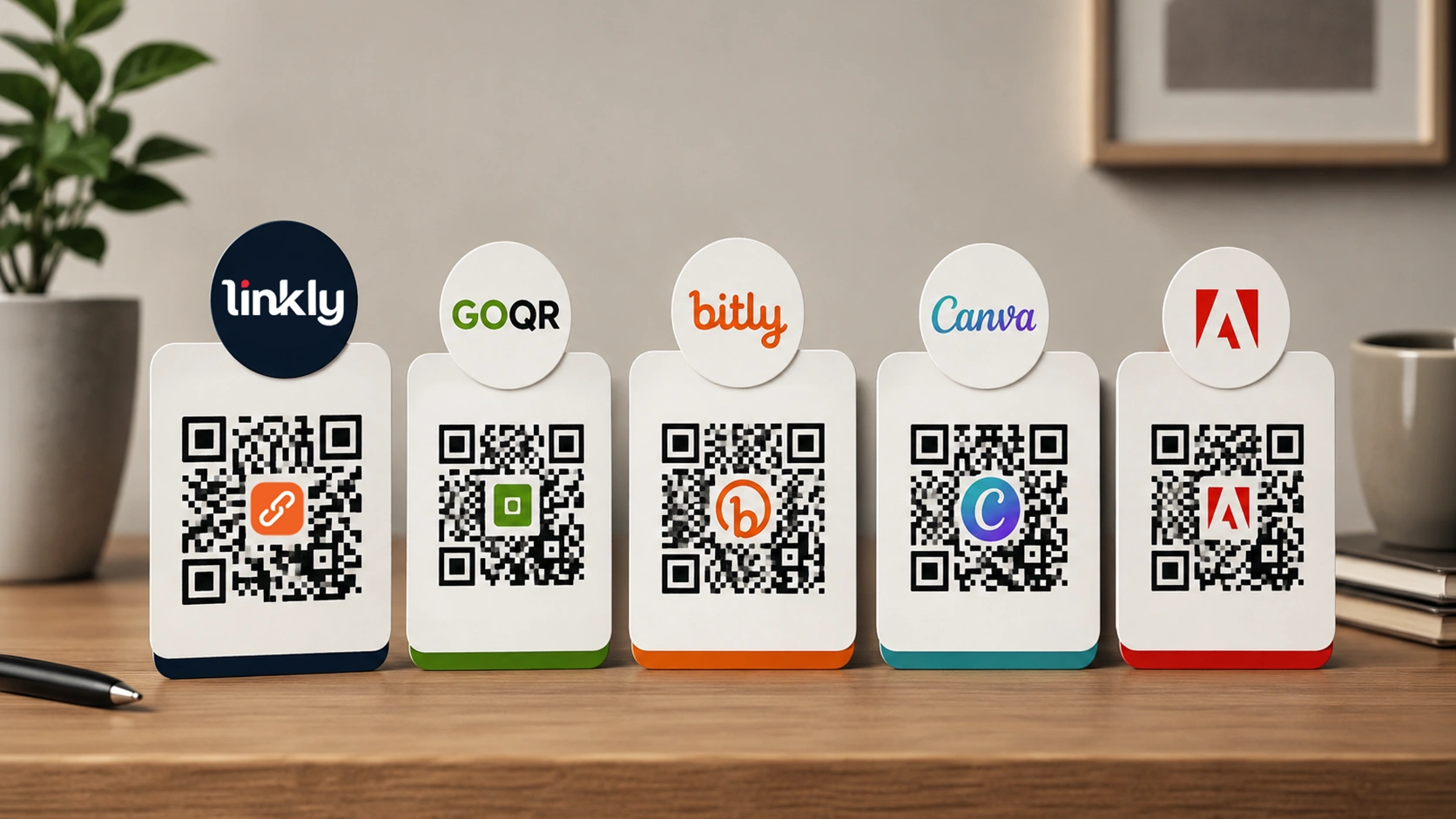
This guide compares five free options that people actually use in 2026. It focuses on real limits: watermarks, static vs editable destinations, design control, and whether you get any scan data. Where Linkly is mentioned, the details match the product: unlimited QR codes on free and paid plans, short-link style control of destinations, and scan analytics that include country and city (with fuller analytics depending on plan).
What to demand from a free QR code generator
Before the list, set a simple bar.
1. Clean export
PNG or SVG sharp enough for print. A permanent watermark on every free download is a deal-breaker for client work.
2. Static vs dynamic (or short-link) behavior
- Static: the destination is baked into the code. Change the URL later and you must reprint.
- Dynamic / short-link based: the code points at something you control. Update the target without changing the printed image.
3. Limits that are clear
Unlimited codes is not the same as unlimited branding, seats, or advanced reports. Read what is actually capped.
4. Analytics when campaigns matter
Country, city, device, and scans over time turn a QR from decoration into feedback. Not every free tool offers this.
5. Fit for the job
Wi‑Fi on a café counter needs speed. A product launch needs editable targets and scan insight. One tool rarely wins both extremes.

1. Linkly — unlimited free QR codes with short links and city analytics
Best for: creators, local businesses, and marketers who want QR codes next to short links—not a one-off image only.
Linkly treats QR as part of a link toolkit. You can generate codes for URLs and common payloads, and pair them with short links so the printed code can keep working while the destination changes. That is the practical advantage over pure static generators.
Important product facts:
- No cap on the number of QR codes you can create on free or paid plans (QR count is unlimited).
- Limits that do exist elsewhere in the product (for example monthly short links or other modules) are separate from QR creation count.
- Scan logging supports breakdowns such as country, city, and device, plus activity over time on QR stats views. Full analytics access follows your plan rules; the capability is built in, including city-level data where geo lookup is available.
Strengths
- Unlimited QR codes on free
- Short-link style flexibility so campaigns can change without a reprint
- Scan analytics with country and city insight, not only a raw counter
- Same account can cover short links, bio pages, and related assets
Watch-outs
- Custom QR styling (colors, logo) may be gated by plan
- Depth of the main analytics dashboard can differ by plan—create-unlimited does not always mean every report is unlocked on free
Use it when: you want a free QR code generator you will still open next month, with room to track where scans come from—including cities.
2. Classic browser generators (e.g. goqr-style tools) — fastest static codes
Best for: one-minute jobs: Wi‑Fi, a fixed URL, or plain text.
These tools remain popular because they ask almost nothing. Open the page, choose a type, download a PNG. No dashboard required.
They shine for permanent targets: a shop Wi‑Fi password, a fixed PDF, or an event page that will never move.
Strengths
- Extremely fast
- Often no account for basic use
- Good enough for simple static needs
Watch-outs
- Almost always static only
- Little or no city/country scan analytics
- Design and bulk workflows are limited
Use it when: speed beats manageability and the destination will not change.
3. Bitly — short links first, QR as an export
Best for: teams already standardized on Bitly for link management.
Bitly’s free tier still helps people who live in short links. A QR built from a Bitly link inherits the same idea as other short-link tools: update the destination in the dashboard when the campaign changes.
Free limits and branding rules have tightened over the years. Treat Bitly as a familiar workflow, not an unlimited free QR workshop.
Strengths
- Mature short-link product
- Dynamic-style behavior via the short URL
- Easy sharing for social and CRM-style workflows
Watch-outs
- Free plan constraints can feel strict
- Overkill if you only need a single static sticker code
Use it when: short links are the system of record and QR is a secondary export.
4. Canva — free QR codes inside the design file
Best for: posters, stories, and flyers where placement and brand layout matter.
Canva’s free QR element is not trying to replace a tracking platform. Its value is context: the code lives in the same canvas as the headline, logo, and margins. Bad placement kills more campaigns than “wrong generator” does.
Strengths
- Design and QR in one place
- Friendly for non-designers
- Fine for social and light print
Watch-outs
- Not built for city-level scan analytics
- Mostly static behavior inside the design
- Print vendors may still want a dedicated high-res file
Use it when: visual layout quality is the bottleneck.
5. Adobe Express — clean free assets for simple campaigns
Best for: polished one-pagers and light brand work without a full design install.
Adobe Express offers approachable free creation, including QR-friendly workflows for quick marketing assets. Teams already in the Adobe free/paid ecosystem may prefer fewer logins.
Strengths
- Modern, approachable UI
- Solid digital export quality
- Comfortable for simple branded creatives
Watch-outs
- Not a specialist analytics QR platform
- Power users hit ceilings on volume and control
Use it when: you want a free QR code generator with a template-led feel.
Quick comparison
| Tool | Free highlight | Editable target | Analytics | Best fit |
|---|---|---|---|---|
| Linkly | Unlimited QR codes | Yes, via short links / managed targets | Scans, country, city, device (plan rules apply) | Ongoing campaigns + print |
| Classic web generators | Instant static PNG | Usually no | Rare | One-off codes |
| Bitly | QR from short links | Via short link | Plan-limited | Teams already on Bitly |
| Canva | QR inside designs | Mostly static | No real scan geo | Layout-heavy creatives |
| Adobe Express | Simple branded exports | Simple use | Light | Quick marketing assets |
How to choose without overthinking
Pick Linkly if you need unlimited free QR codes, optional short-link control, and scan insight that can include city and country—not only a download button.
Pick a classic generator if the code is permanent and you need it in under a minute.
Pick Bitly if your company already runs on Bitly links.
Pick Canva or Adobe Express if the QR is one object inside a designed visual and tracking is secondary.
Also match the physical world:
- Outdoor print needs high contrast and a quiet margin around the code.
- Business cards need larger modules than people expect.
- Always test-scan from a real phone at the final size before bulk printing.
Static vs dynamic: a practical rule
Use static when the target is permanent (Wi‑Fi, fixed legal page).
Use short-link or dynamic-style codes when:
- The campaign landing page may change
- You run seasonal offers
- You do not want to reprint stickers after a URL typo
Linkly’s model is built around that second case: unlimited codes, manageable destinations, and analytics that can show where scans happen—including cities—not only that a scan occurred.
Build your next QR with Linkly
FAQ
Is there a free QR code generator with unlimited codes?
Yes. Linkly does not limit how many QR codes you can create on free or paid plans. Other products may limit codes, downloads, or remove branding only on paid tiers.
Which free tool has city-level QR analytics?
Linkly records scan events with country and city (when geo data is available) on QR analytics views. Many pure image generators offer no geo analytics at all.
Do I need a logo in the QR?
Only if brand recognition matters and you re-test scanning after adding a logo. Some styling features are plan-gated; unlimited code count does not always mean unlimited design features on free.
What is the best free QR code generator for business cards?
Prefer high contrast, adequate size, and a destination you can update (short link) if your portfolio URL might change. Linkly fits that pattern; Canva helps if the card design is built there.
Static codes still okay in 2026?
Yes—for permanent targets. For marketing campaigns, editable targets plus scan analytics are usually worth it.
Final take
The best free QR code generator depends on whether you need a single image or an ongoing system.
Classic browser tools and design apps (Canva, Adobe Express) are excellent for speed and layout. Bitly fits short-link-centric teams. Linkly stands out when you want unlimited QR codes, destinations you can manage through short links, and scan analytics that go beyond a counter—including country and city—in one product alongside your other links.
Choose the tool that still makes sense after the first hundred scans, not only after the first PNG export.