
How to Shorten a YouTube Link and Track Clicks (Free Guide 2026)
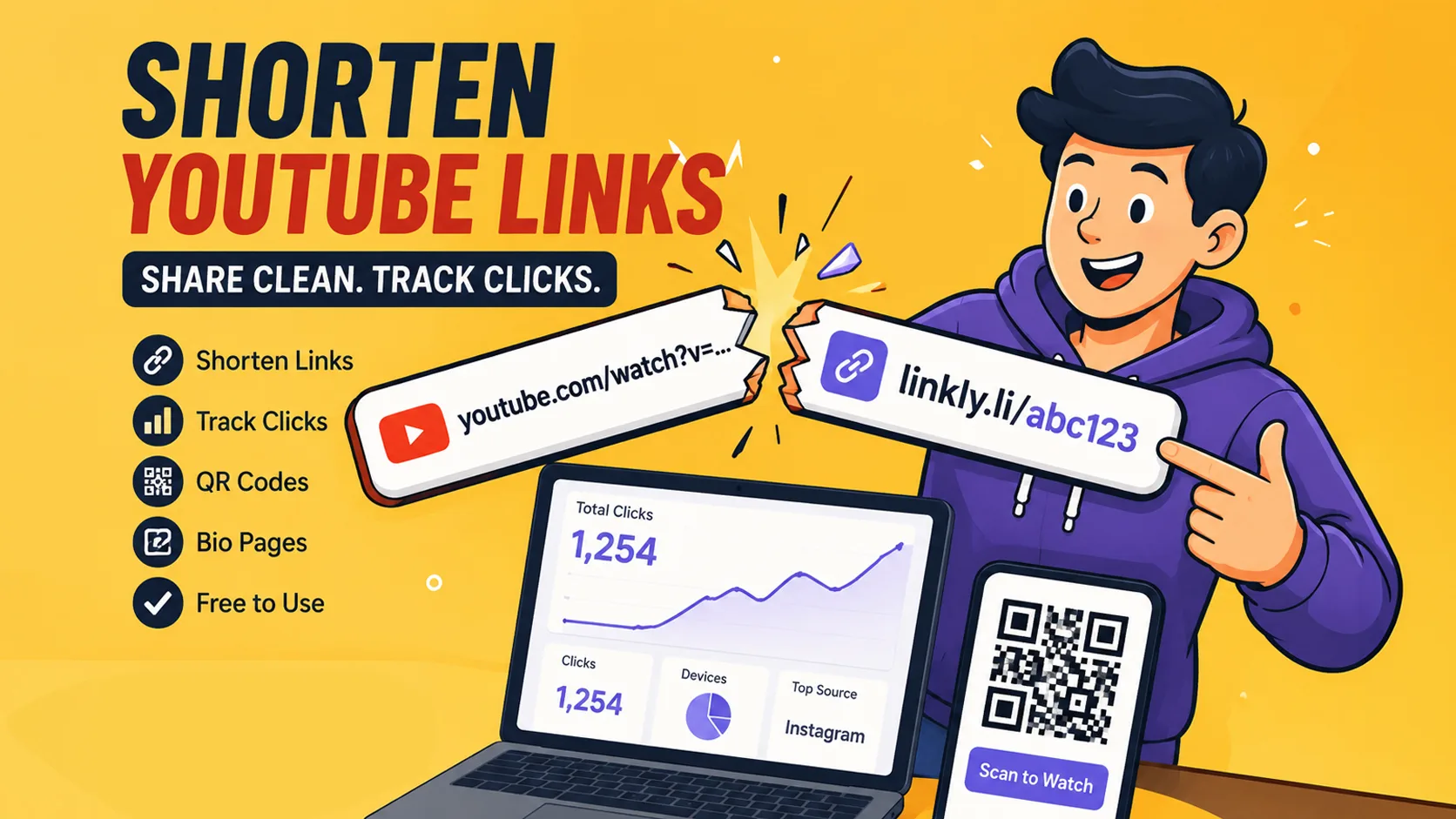
You copy a YouTube link, paste it into Instagram, and the caption looks like a mess. On WhatsApp the URL wraps onto three lines. On a flyer, nobody will type it. And after the post goes live, you still cannot answer a basic question: did anyone actually click?
That gap is why people search for a YouTube link shortener. YouTube already shortens links. A good short link does something extra—it makes the URL shareable and, when you need it, measurable.
This guide covers both paths: the built-in youtu.be format and a tracked short link you can use across social, email, bio pages, and QR codes.
Why YouTube links feel broken outside YouTube
YouTube optimizes for watching inside its app and website. Sharing outside that world is secondary.
Long URLs include extra parameters. Mobile apps often show them as plain text, not rich cards. Printed materials cannot rely on “type this carefully.” Creators and small businesses then do the obvious thing: they look for a shorten YouTube link workflow that looks clean everywhere.
There are really two jobs:
- Make the link short so humans will use it.
- Make the click visible so you know which promo worked.
Native YouTube solves (1) only. A URL shortener can solve (1) and (2).
What youtu.be actually is
When you open Share on a video, YouTube offers a short link:
https://youtu.be/VIDEO_ID
That ID points at one video. It is reliable, free, and fine for casual chat.
Limits show up as soon as the link becomes part of a system:
| Need | youtu.be | Tracked short link |
|---|---|---|
| Short URL | Yes | Yes |
| Click analytics | No | Yes (tool-dependent) |
| Change destination later | No | Often yes |
| Same style for playlist, channel, campaign URL | Awkward | Yes |
| Pair with QR for print | Manual | Built into many tools |
| Brand-style back-half | No | Paid/custom on some plans |
Use youtu.be when the only goal is “open this video.”
Use a shortener when the link sits in a bio, ad, newsletter, packaging, or event kit.
Step-by-step: shorten a YouTube link (free)
- On YouTube, open the video → Share → copy link.
- Prefer the clean video URL; strip ugly tracking params if you pasted from an embed.
- Open a free shortener—for example Linkly’s free URL shortener.
- Paste the YouTube URL and create the short link.
- Copy the result into the caption, pinned comment, or email.
Optional upgrades that still stay free on many tools:
- Generate a QR code from the short link for offline use.
- Add the same link to a bio page so your Instagram bio stays one stable URL while videos change.
- Keep naming consistent (…/launch, …/tutorial1) so you recognize links in a list later.
Time required: under two minutes once you have done it once.
Where shortened YouTube links perform best
Instagram, TikTok, X captions
Space is limited. A short link reads like a deliberate CTA, not dumped metadata.
Link-in-bio
Creators change “latest video” weekly. Editing the Instagram bio every time is fragile. A bio page holds “New video,” “Old favorite,” “Course,” and “Contact” behind one domain.
Email and WhatsApp Status
Long YouTube URLs break across lines and look suspicious. Short links survive dark mode and small screens.
Offline and hybrid campaigns
Workshop posters, product inserts, conference badges: QR → short link → video. If the short link is editable, you can swap the video after print day without new stickers.
What to measure (practical, not vanity)
Free tiers usually show enough to learn:
- Clicks over time — did the Reel or email drive a spike?
- Total clicks — relative comparison between two promos
- Device mix — mostly mobile is normal for YouTube traffic
You rarely need twenty dashboard widgets on day one. You need to stop guessing which channel wasted effort.
When click volume, team size, or branded domains grow, paid analytics become worth comparing. Until then, basic tracking already beats untracked youtu.be links in campaigns.
Mistakes that waste good videos
- Shortening once, never opening the stats
- Five different shortener accounts, no history
- Printing a raw YouTube URL on a banner
- Using different links for the same video in bio vs QR vs email (you cannot compare)
- Expecting the short link itself to “rank” on Google—it is a redirect, not an article
One workspace for YouTube promos keeps QR codes, history, and bio links aligned.
A weekly workflow that sticks
- Publish or schedule the video.
- Create one short link for that video (or playlist).
- Place it in: pinned comment, bio page button, newsletter bullet.
- If anything goes offline, attach a QR to the same short link.
- Seven days later, check clicks. Keep what worked; drop what did not.
Platforms that combine short links, QR, and bio—such as Linkly—reduce tool-switching. The point is not loyalty to a logo; it is fewer steps between “video is live” and “we know who clicked.”
FAQ
Is a YouTube link shortener safe?
Stick to known tools, HTTPS, and links you created. Avoid random “free shortener” sites that monetize with ads or malware.
Does shortening reduce reach?
No. Reach depends on the post and the video. The short link only changes how the destination is written and whether you can measure taps.
Can I track clicks without paying?
Yes on many free plans, with limits on number of links or depth of reports. Start free; upgrade only when limits block real work.
Should every YouTube URL be shortened?
No. Private shares to a friend can stay youtu.be. Public CTAs, bios, and print should usually be shortened and, when possible, tracked.
Bottom line
Shorten YouTube links when humans will tap them outside YouTube. Use youtu.be for speed. Use a tracked short link when the click is part of a campaign.
If you want one free place to create the short URL, a QR code, and a simple bio hub, start at linkly.li and treat your next upload like something you can measure—not only something you can hope performs.